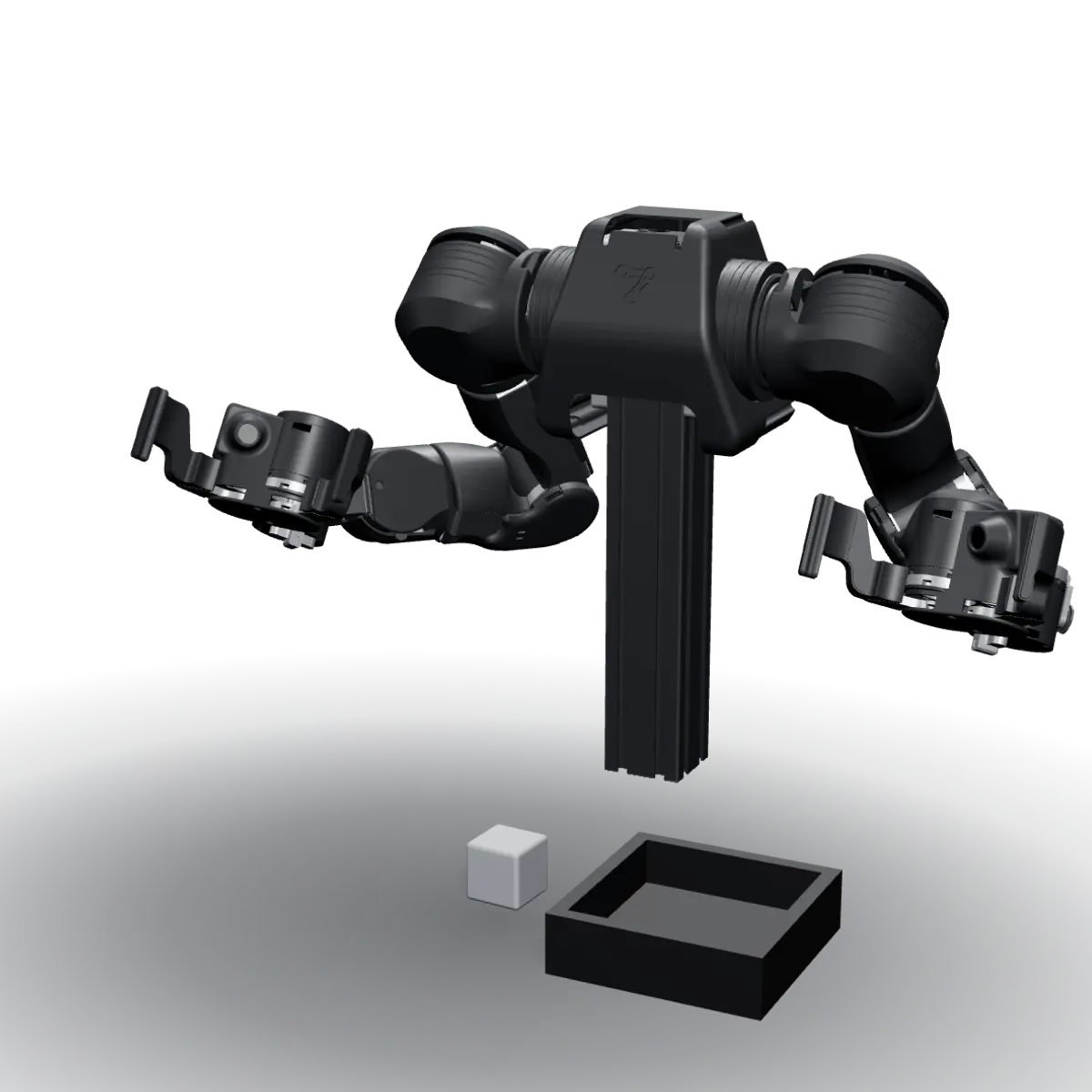
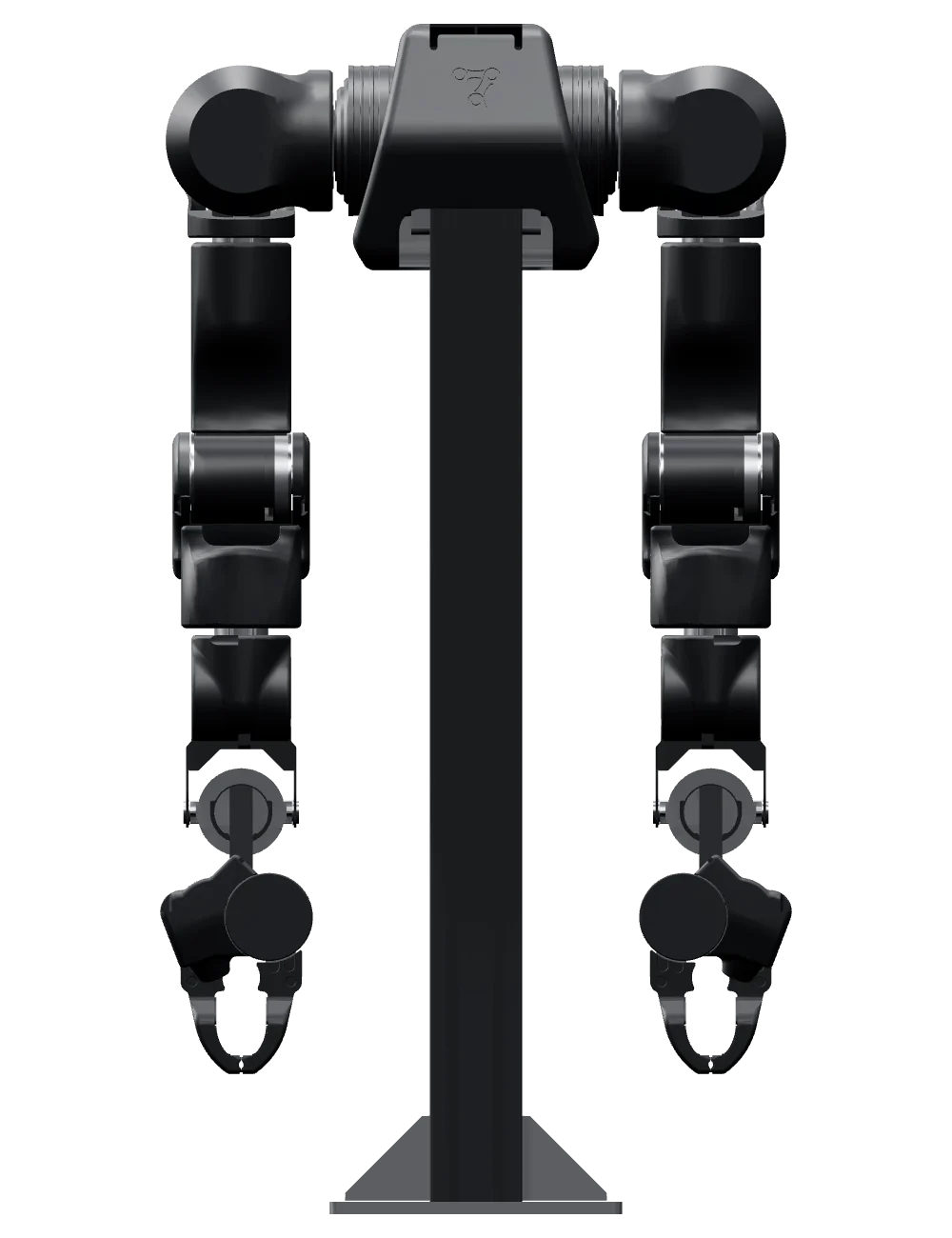
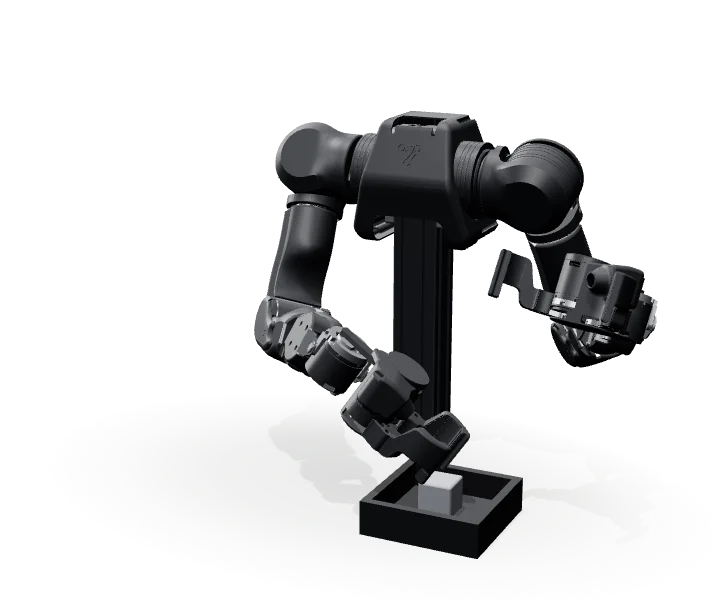
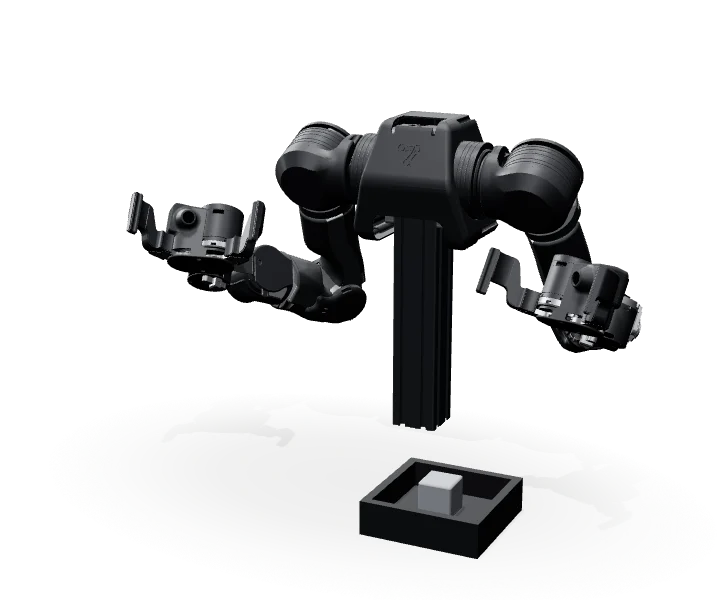
Building on the open-source design, Libertron develops OpenArm further and improves its materials and structure to make it more refined, more durable, easier to use, and more reliable.
OpenArm 2.0 is Enactic's improved version of OpenArm 1.0. Alongside it, Enactic introduced KER, which makes teleoperation-based imitation learning easier, and OpenArm Cell, which makes the training environment easier to control. OpenArm 2.0 also comes standard with a gripper that has a built-in hand camera, improving on the earlier hand camera and gripper design.
A smaller gripper, an in-hand camera
Simpler actuation makes the gripper smaller and lighter. The in-hand camera captures the moment of grasping, and fingers swap to fit each task. A head-mounted ZED stereo camera replaces the chest-mounted camera, giving a more natural top-down view and depth-rich training data.
Motorless KER add-on
Collect and feed imitation-learning data faster and more easily with KER, a lightweight motorless input device.
Intuitive teleoperation
Gravity compensation holds the arm's weight for you, and with KER, a VR controller, or similar devices you can operate and teach it smoothly and precisely, as if you were standing beside it and showing it the task by hand.
Fully open source
The design and code are published in Enactic's GitHub repositories, and ROS 2 support lets you keep your existing development setup.
2.0's redesigned gripper
The camera is built in, and you can 3D-print a gripper and swap it yourself.
With OpenArm 2.0 you can run the whole physical-AI research loop: collect demonstrations, train a policy on them, and validate it in simulation and in a standard environment. See the documentation and examples for each step yourself on Enactic's GitHub (opens in a new tab).
01
Collect demonstrations
Teleoperate OpenArm 2.0 with KER or a VR/WebXR device, and joint angles and camera images are recorded episode by episode. Recordings are saved in the OpenArm dataset format and can be converted to LeRobot and GR00T formats.
02
Imitation learning
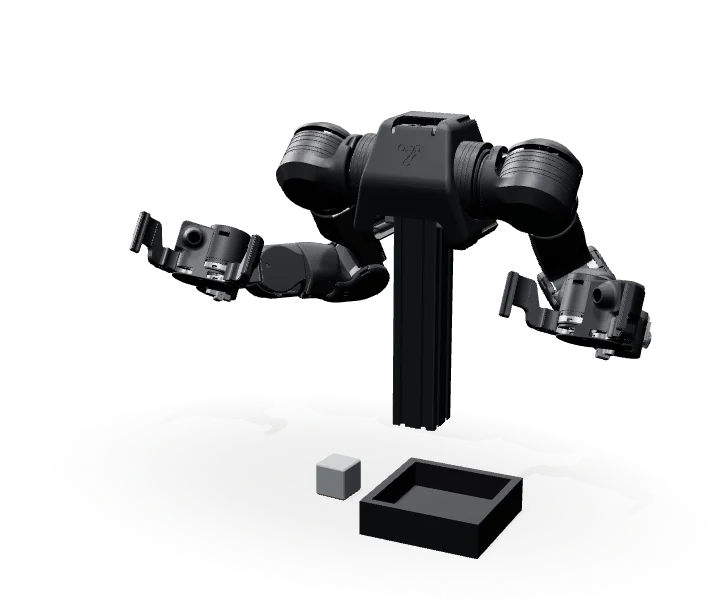
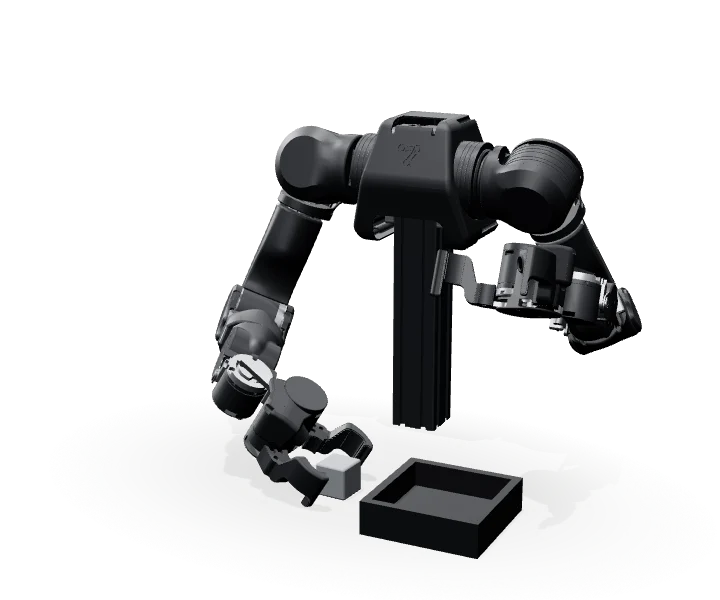
Train policies such as LeRobot's ACT on the collected data. Enactic has published a cube pick-up dataset collected in MuJoCo simulation, and an ACT model trained on it, on Hugging Face.
03
Validation in simulation
Run the trained policy as a policy server and try it first in the MuJoCo simulator connected through a Dora dataflow. The physical robot connects through a Dora dataflow in the same way.
04
Evaluation in a standard environment
OpenArm Cell is an evaluation environment that fixes cameras, lighting, background, and arm position. Its goal is to let labs compare results by running models in the same setup. It is planned for 2027.
More research you can do
Bimanual manipulation · the basic structure of a humanoid
OpenArm 2.0 consists of two 7-DOF arms, two grippers, and in-hand cameras. A single policy coordinates the joint positions of all 16 degrees of freedom together, so you can study two-handed tasks with the same layout as a humanoid upper body.
Robotics education
Students can control the joints directly with the Python API and ROS 2, and learn the structure from the open CAD, firmware, and control code. Documentation and examples cover everything from data collection to training, which makes them easy to turn into coursework.
Example: how an episode becomes data
The chart below records, as a time series, the motion data of episode 04 from the cube pick-up dataset Enactic published. Recordings like this become training data for imitation learning, and as they accumulate they become the foundation for research.
A motorless leader arm with the exact same joint structure as 2.0 (Kinematic Equivalent Replica). With no motors it is light and fatigue-free, which suits teleoperation and teaching-data collection.
Same joint structure
Same 7-DOF structure as OpenArm 2.0, links scaled to 70%
1:1 mapping
Joint angles carry over with no coordinate transform or retargeting
Weight
1.7 kg (motorless; CFRP tubes, aluminum, resin)
Wearing
Backpack-style shoulder mount you put on alone in about 30 seconds; folds for travel
A reproducible evaluation cell that keeps background, lighting, cameras, and arm position identical every time. It is a standard environment for fair, automated model comparison.
Standard environment
Fixes cameras, lighting, background, and arm position so labs can compare results
Z-axis
Height adjusts to the workpiece and layout
Reach-In Stop
Area sensors detect a person entering the workspace and cut power automatically
Build
Off-the-shelf MISUMI parts, about 100 kg per unit, about 480 W (excluding the PC)
Why buy from Libertron?
Libertron builds the open-source platforms OpenArm 1.0 and 2.0 in Korea and supplies them directly in Korea and abroad. Libertron also develops and upgrades them further to improve their quality and ease of use, and provides installation, after-sales service, and technical support. Leave the long, hard setup work to Libertron and spend more time on your research.
01
Assembly and production in Korea
Libertron sources parts from Korea and abroad and carries out every step of assembly, testing, and packing itself in Korea.
02
Direct sales, shipping, after-sales and technical support in Korea and abroad
From product consultation and sales through to technical support, Libertron works hard to make sure every customer is satisfied.
03
A more refined product
Libertron keeps researching and developing improvements in durability, ease of use, safety, and reliability to set its units apart. Compare them side by side with units from other suppliers.
04
Verified open-source compatibility
To make the product more refined, Libertron improves the materials, structure, and configuration of its parts and of the product as a whole, while keeping compatibility with the open-source design and software. That compatibility is verified before the product ships.
05
Ready to use on arrival
Units are ready to use as soon as they are delivered and unpacked, so you don't need to buy any hardware or software beyond your own PC.
06
A platform and tools anyone can use
Libertron provides a user manual to help you get OpenArm up and running, and keeps it compatible with the wide range of free software published in the open-source OpenArm repositories on GitHub.
OpenArm is an open-source project published by Enactic. Its control code and other materials are public on GitHub, and there is also a community for researchers and developers working with OpenArm.
How is OpenArm different from existing industrial robotic arms?
The biggest differences are price and openness. OpenArm is priced so that research labs can actually afford it.
Industrial robots costing tens of thousands of dollars are built for production automation, with more specs and a higher price than research needs. OpenArm, an open-source project, is designed and built for research, development, and education, which lowers the barrier to entry considerably.
Unlike closed industrial robots, OpenArm is open source: its CAD, firmware, and control code are public, so you can take it apart and modify it when you need to. That makes it easy to put to work in physical-AI research such as reinforcement learning and teleoperation, and in many other areas of robotics research, development, and education.
Can I control it directly using Python or ROS 2?
Yes. OpenArm provides a Python API and can be controlled directly from familiar environments such as C++, ROS 2, and WebSocket. Policies trained with deep learning or reinforcement learning (RL) can go straight onto the physical arm for validation, which makes it especially convenient for robotics and AI researchers.
Beyond research and development, is it also suitable for robotics classes at universities or high schools?
Yes, it is. OpenArm is mainly used for research and development in corporate labs, robotics research institutes, and university labs, and it is also a very good open-source platform for teaching.
It is small and light, so students can handle it safely even in a tight lab. You can teach motions by guiding the arm by hand (kinesthetic teaching), demonstrate with the leader arm and have the robot follow (teleoperation), or use a VR controller. That makes for varied, engaging courses that cover everything from basic coding practice to advanced robot dynamics.
Can I attach accessories like grippers or cameras?
Yes. Beyond the standard leader and follower grippers, you can test custom grippers, suction pumps, and other end effectors. Because the hardware is open source, you can also make and mount your own adapters with a CNC machine or a 3D printer. A depth camera (ZED Mini stereo camera) can be mounted on top as an option, and the OpenArm 2.0 gripper has a built-in RGB camera as standard, so you can also try vision-AI-based autonomous pick-and-place.
How do shipping, after-sales service, and technical support work?
Libertron carries out assembly, testing, packing, and the rest of production itself in Korea, and handles everything from consultation and shipping to technical support and after-sales service through a single point of contact. Customers in Korea get their units quickly, with no complicated import procedures, and we ship safely to international customers through global carriers such as FedEx. We support customers in Korea in several ways and international customers by email. Costs for shipping, after-sales service, and technical support differ between Korea and other countries; we explain the details when you contact us.
How do Libertron's units differ from those of other suppliers?
Libertron improves the materials and structure of the components with durability and ease of use in mind, upgrades key parts such as the power supply to industrial-grade components, and adds needed extras such as an emergency stop switch. This work on many fronts is what sets Libertron's units apart.
Does it stay compatible with the open-source software even with Libertron's improvements?
Yes, it does. Libertron's improvements keep the product's basic operation and external specifications the same and only include changes that preserve compatibility with the published open-source software. That compatibility is verified during development, so you can use the published open-source software as it is, without changes.
Send us your questions
Leave an inquiry or quote request and our team will get back to you shortly.